
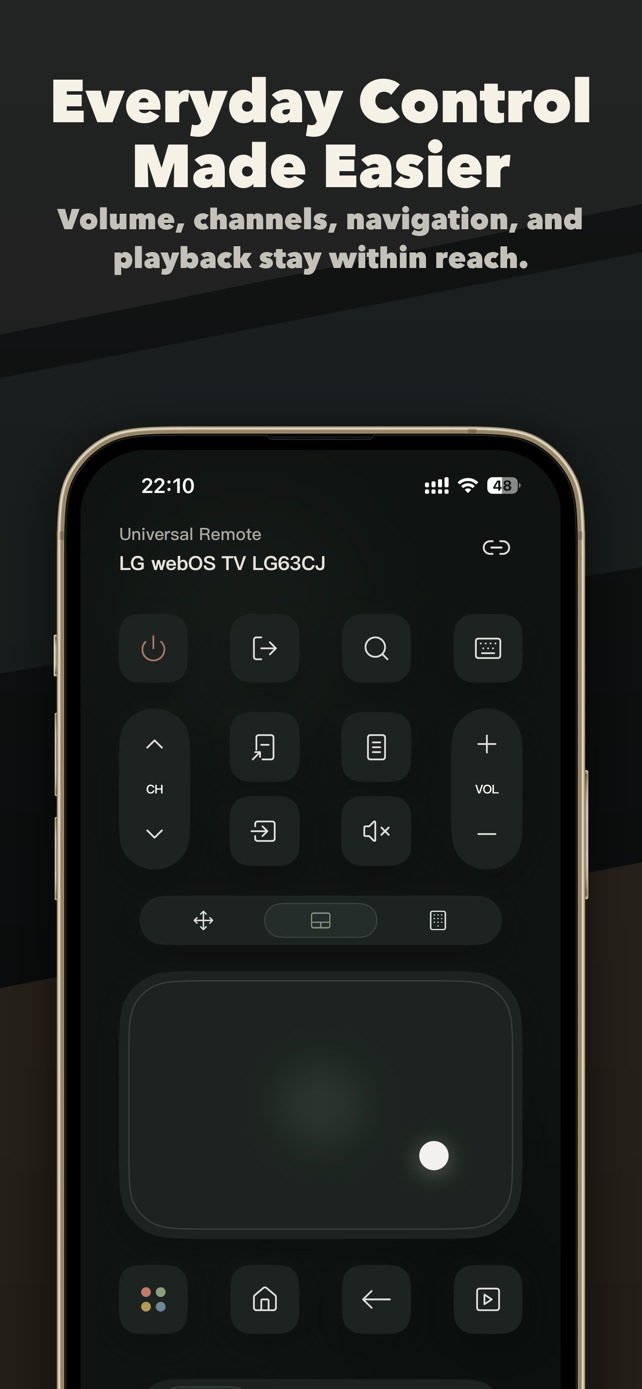
Power, volume and playback
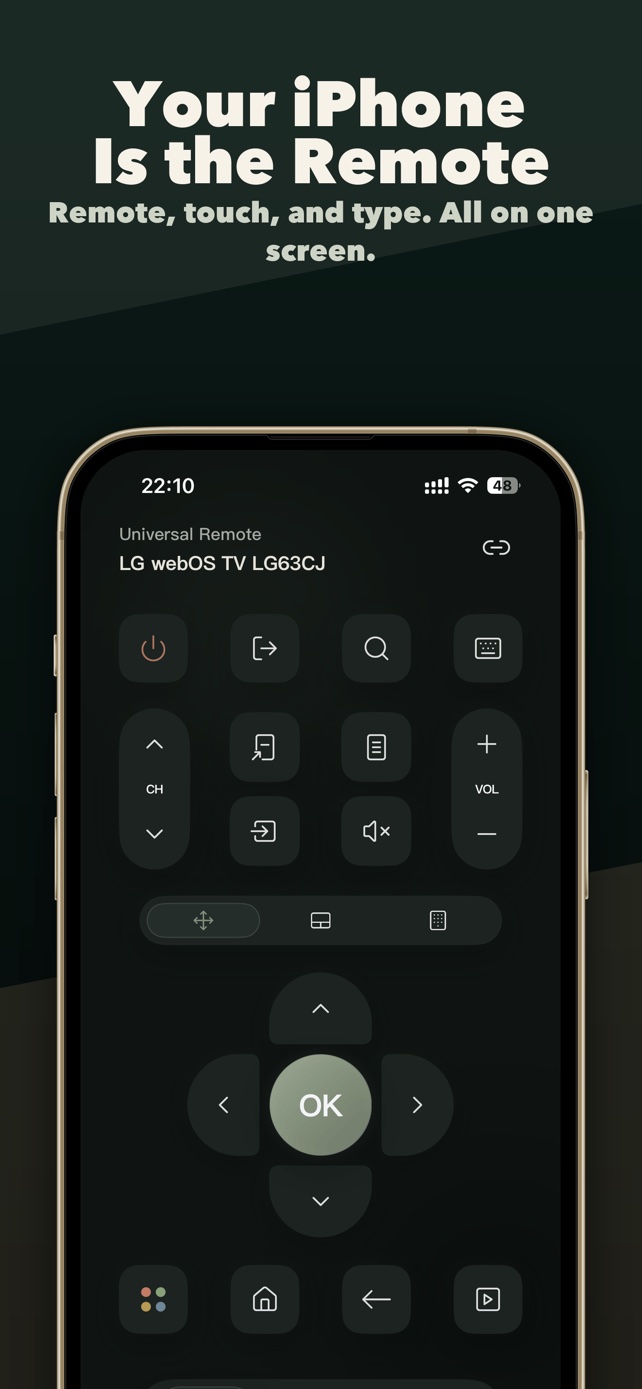
Use navigation, Home, Back, input source, volume, channels and playback controls when your TV model exposes them.
Browse all guides →Universal smart TV remote + personal media cast
Control compatible Samsung, LG, Roku, Google TV and more on your home network. Type TV searches on iPhone or iPad and reach supported controls with widgets and Siri.
Free download · In-App Purchases
Multi-brand TV compatibility
TVRemoteX supports selected compatible models across major brands and platforms. Pairing and available commands are adapted to the capabilities exposed by each TV.
Remote control essentials
Use navigation, Home, Back, input source, volume, channels and playback controls when your TV model exposes them.
Browse all guides →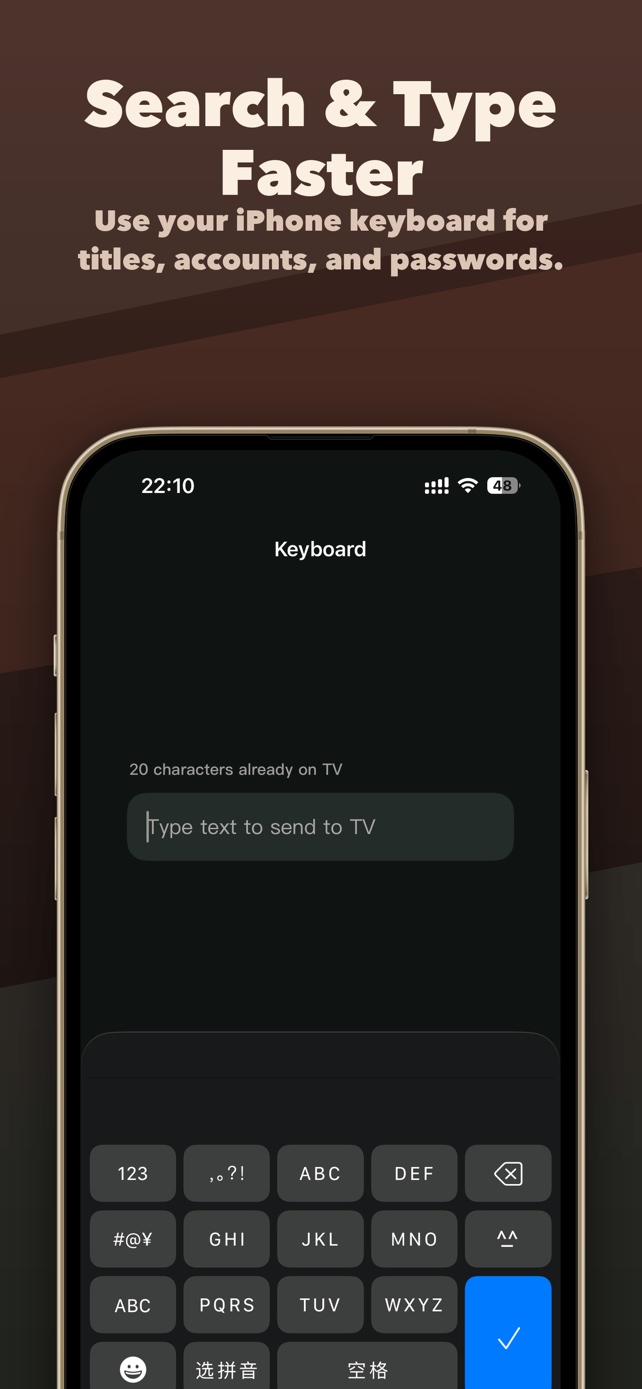
Type in a TV text field when the selected route supports input. Availability varies by TV and app.
Read guide →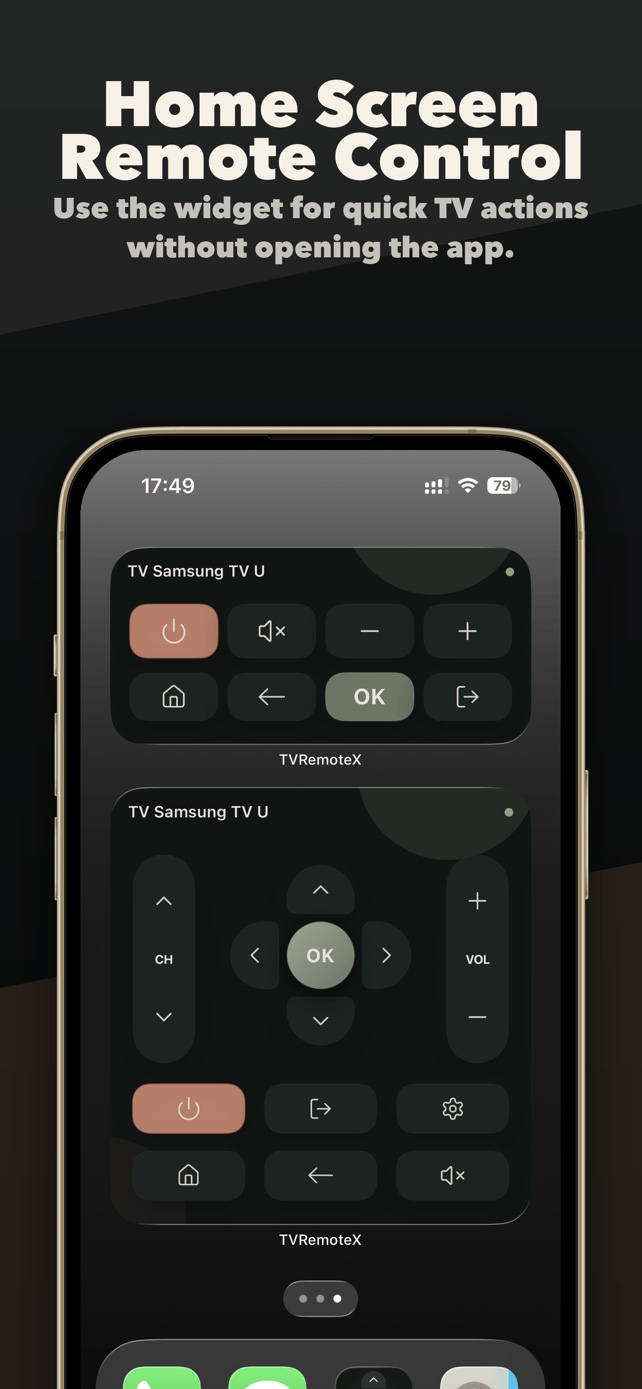
Reach supported actions from a Home Screen widget and use Siri Shortcuts after setup.
Read guide →Simple setup
Turn on the TV, connect the iPhone to the same local network and allow Local Network access when iOS asks.
Select the discovered device, then approve the on-screen request or enter the PIN or PSK when required.
Use the remote, keyboard, touchpad, app shortcuts, widgets and compatible personal-media casting from one app.
TVRemoteX
Use an iPhone and a compatible TV on the same home network. Keep the TV on and be ready to approve its first connection. Choose your TV system below for the steps that apply to you.
TVRemoteX is free to download. Some advanced features, including Home Screen widgets and selected controls, may require an in-app purchase. Check the app for available access, any trial allowance and purchase options. Prices and renewal terms are shown before you confirm a purchase.
Browse TV system guides →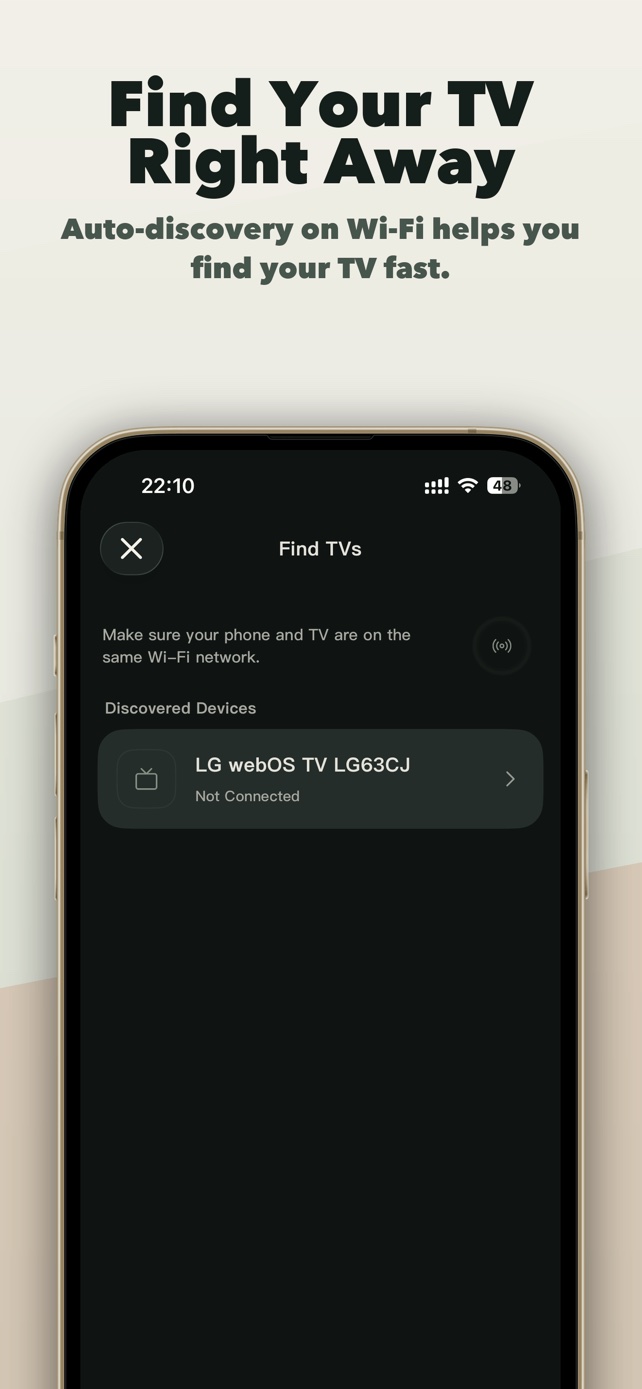
Frequently asked questions
TVRemoteX works with selected compatible smart TVs and TV devices from Samsung, LG, Roku, Android TV, Google TV, Fire TV, Apple TV, Sony, Hisense, TCL, Philips, Panasonic, VIZIO, Sharp, Toshiba, Xiaomi and more. Support varies by model and firmware.
Yes for normal local-network discovery and control. Guest Wi-Fi, client isolation, VPNs or router restrictions can prevent the devices from seeing each other.
Keep the TV awake and follow the TV-side prompt or current pairing code. The exact step depends on its operating system.
No. The TV route and the active text field must both accept input. Protected or unsupported fields may require the TV keyboard.
TVRemoteX is free to download. Some advanced features, including Home Screen widgets and selected controls, may require an in-app purchase. Check the app for available access, any trial allowance and purchase options. Prices and renewal terms are shown before you confirm a purchase.
Yes. TVRemoteX runs on iPhone and iPad with iOS or iPadOS 16.0 or later, and the iPad layout works in portrait, landscape and Split View. The iPad must be on the same home network as the TV.
No. TVRemoteX can send personal photos and compatible video files through supported casting routes. It does not promise continuous live mirroring of every iPhone screen or protected streaming app.
Download TVRemoteX for iPhone or iPad and connect to a compatible smart TV on your local network.